
" transform="translate(1 1)" width="14px"/></svg>)
UBC Student Communication Services | UX Research
How might we test if UBC's websites are accessible and align with student needs?
Role
UX Researcher
Deliverables
User interviews
Usability testing
Data anlysis
Presentation + case study
Timeline
8 weeks – 2 projects (2019)
Summary
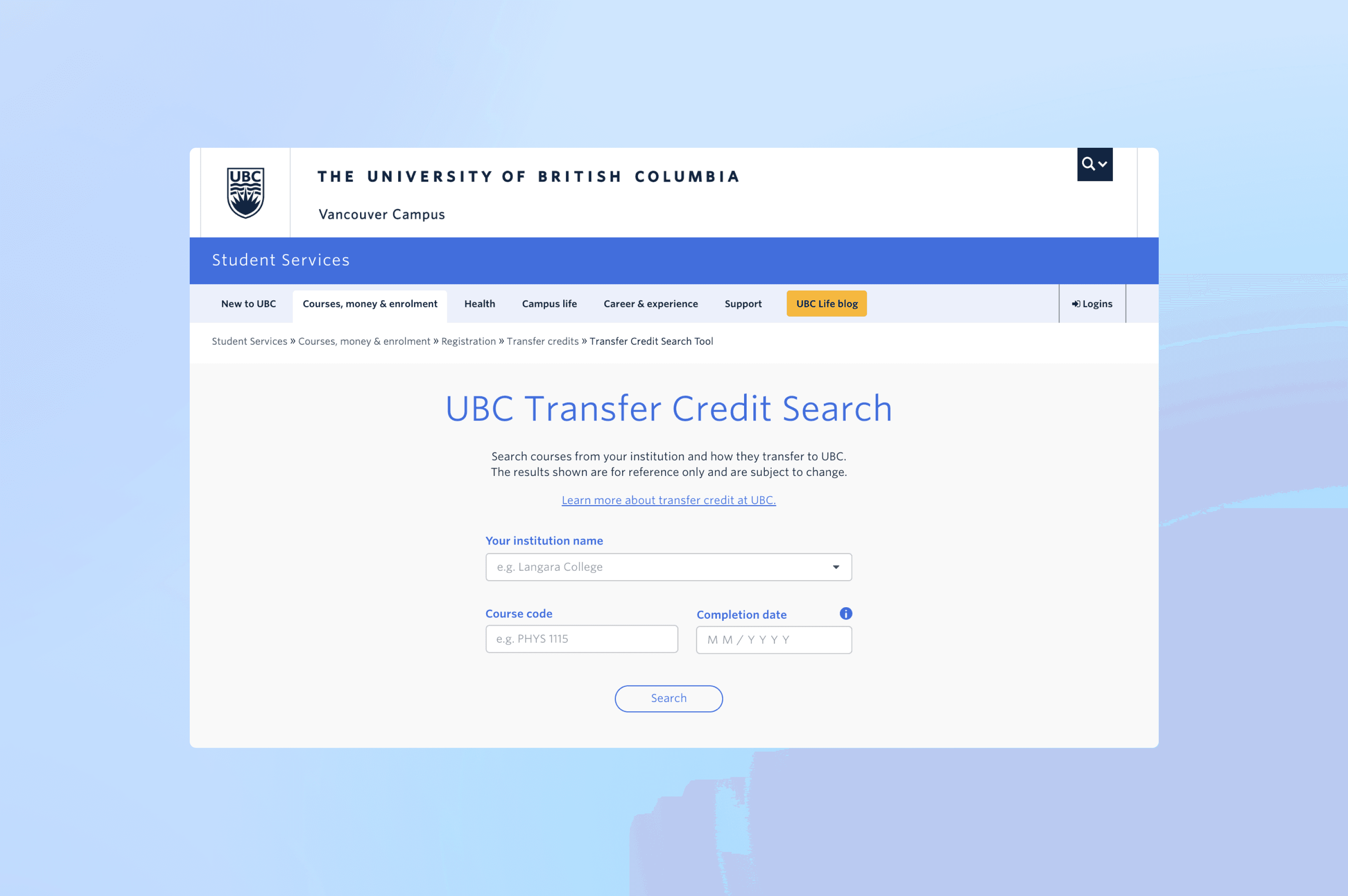
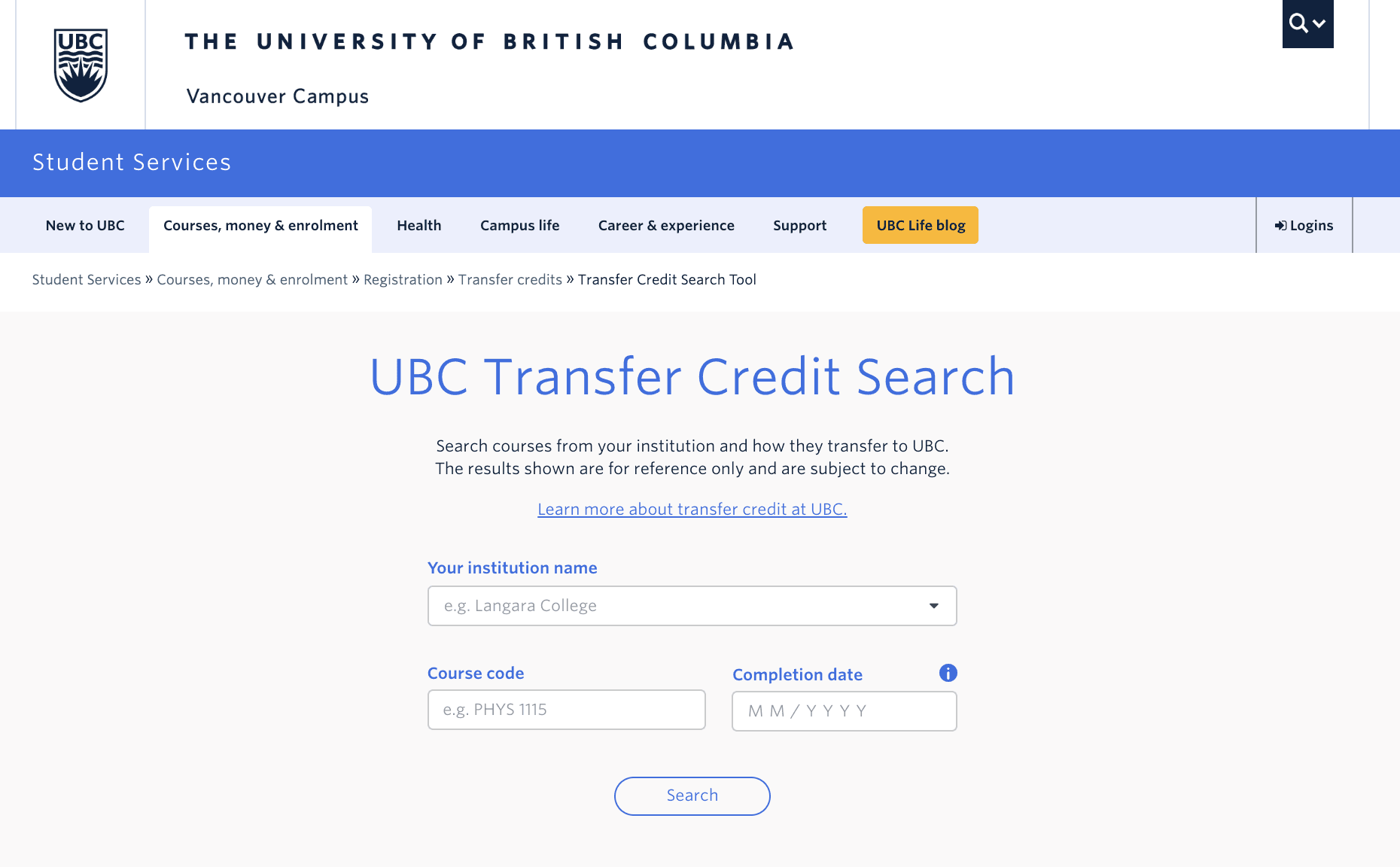
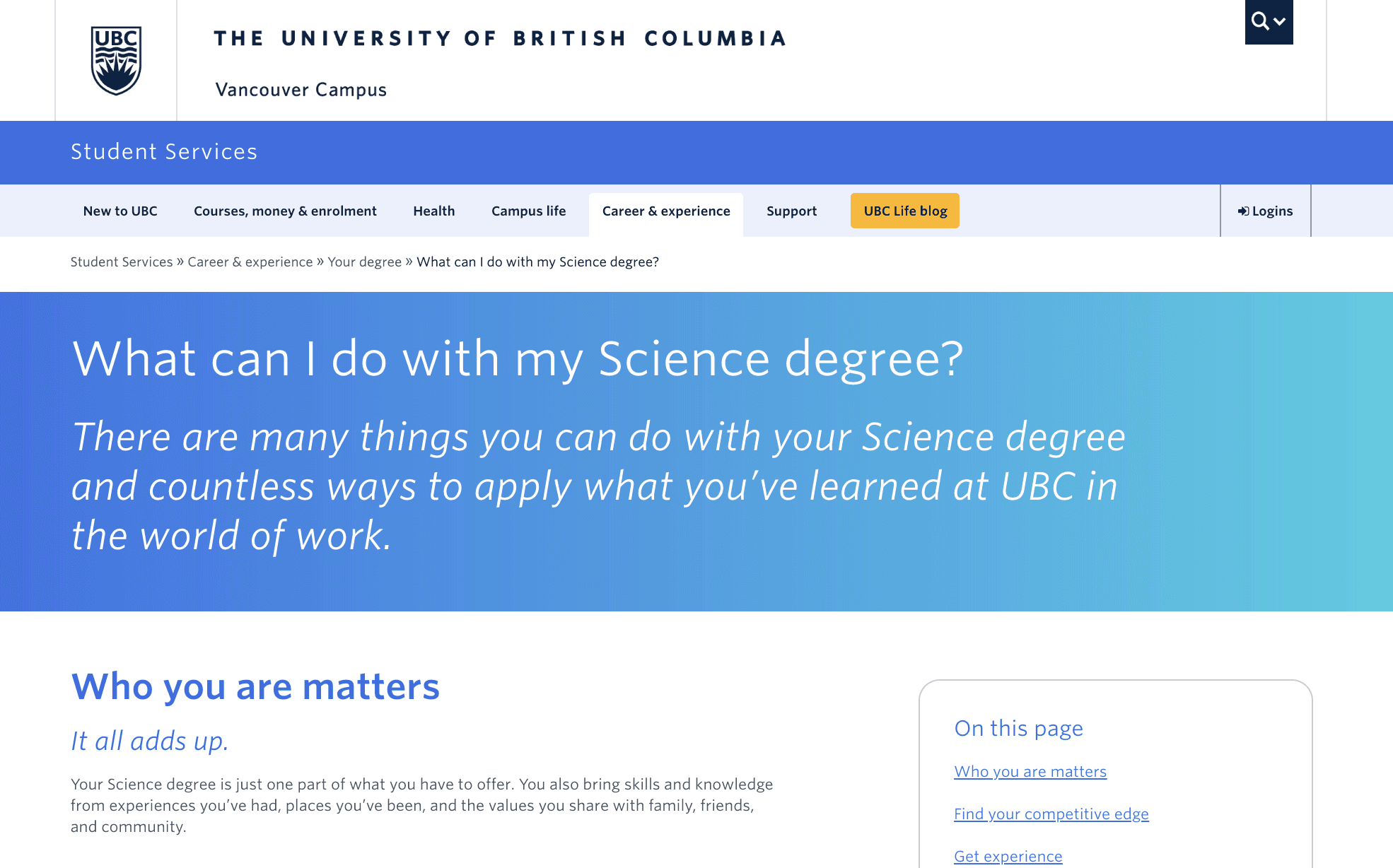
The University of British Columbia designed a Transfer Credit Search Tool and a 'What can I do with my Science degree?' page to assist advisors, incoming transfer students, and UBC Science students with course and career planning.
We conducted 3 phases of user interviews and usability testing on the prototypes, allowing for iteration throughout development, prior to launch.
Project presentations (PDF):
*This case study will focus on our research for the Transfer Credit Search Tool
Goal
Understand how students and stakeholders are navigating the Transfer Credit Search Tool to identify strengths and weaknesses in our product, and collaborate with our design team to explore solutions for any pain points.
Research
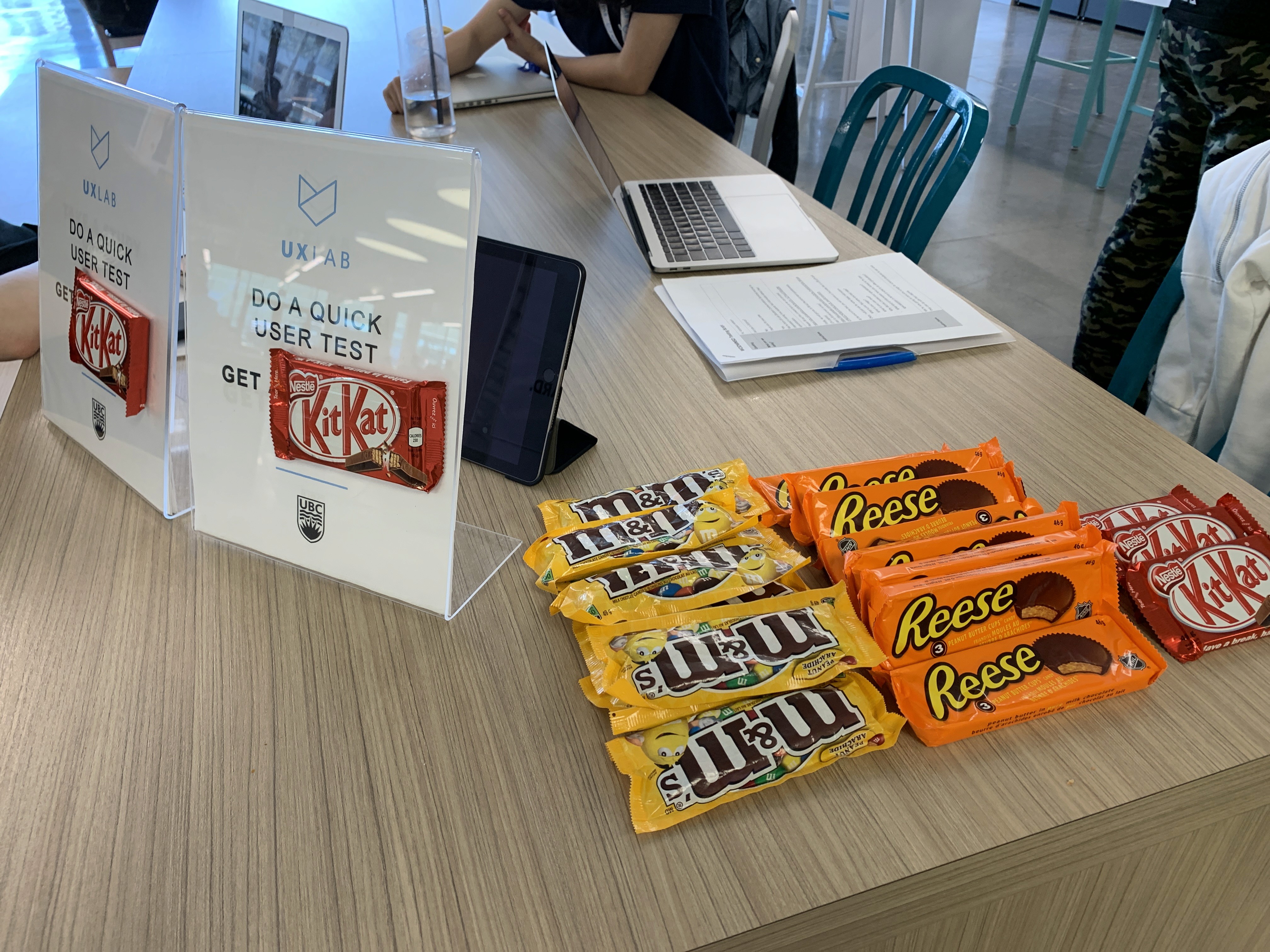
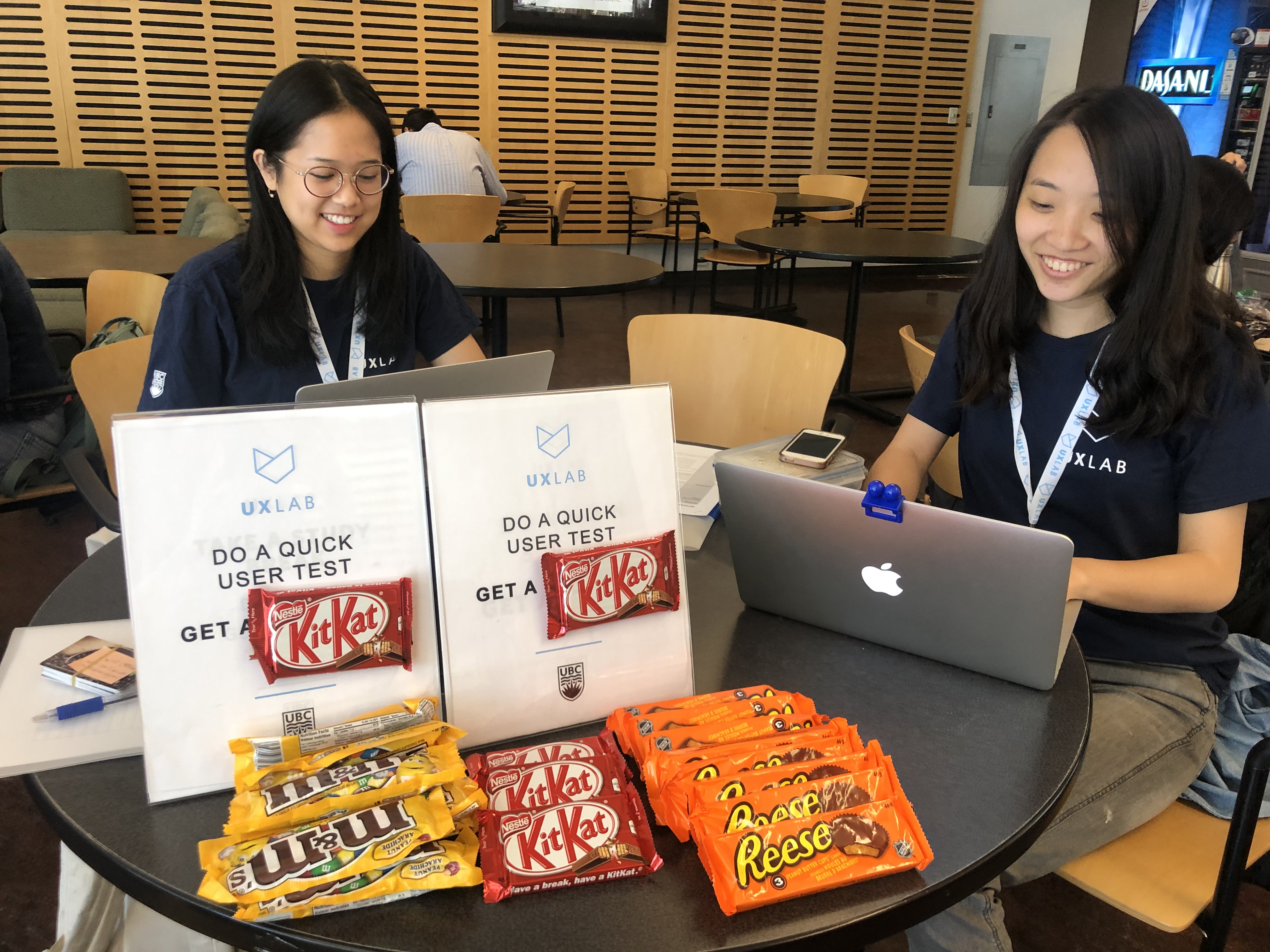
We ran usability testing with incoming UBC transfer student, academic advisors (within UBC and external) to evaluate the performance of the Transfer Credit Search Tool.
Consent form
" transform="translate(3.682 3.5) rotate(45 4.5 4.5)" width="9px"/></svg>)
Scenario task
Main usability test outline:
Pre-screen survey: Understand the background of each user, such as what school they were transferring from, and what they were studying.
Scenario task: Ask user to complete a search of the credits they would like to transfer, and define any pain points in the user flow.
Follow-up interview: Further question why the user may have experienced certain issues, and investigate the root cause of the specific pain points that arose during the scenario task.
Participants
For our final prototype round of testing, we recruited a smaller sample of 7 participants (4 advisors, 3 students).



Limitations
7 Participants: This tool had already undergone 3 phases of pre-launch usability testing, so we spent less time recruiting participants in this phase
Science students only: All 3 student participants were transferring into the Faculty of Science (may be helpful to run usability test with students from other faculties to have more representative data)
Key findings
Search field
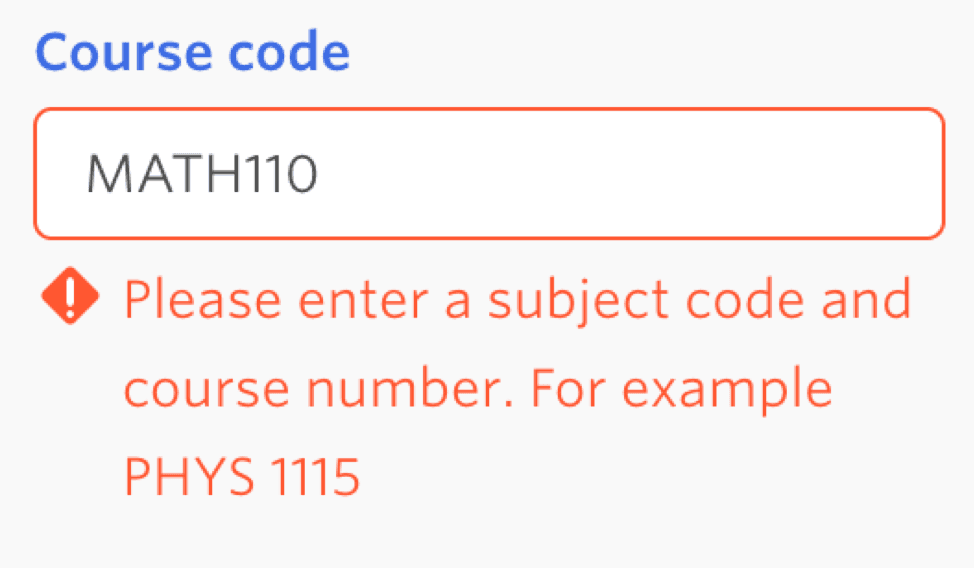
Searching for course codes without a space resulted in an error
Pain point: Users often searched for course codes without a space between the word and the number, but this resulted in an error
Next step: Allow course codes to be searched with or without a space
Search results
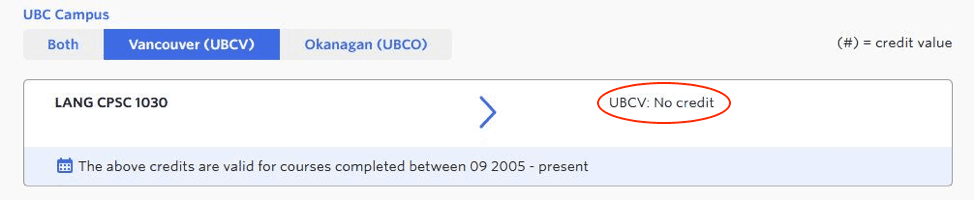
‘No results found’ error message was too vague
Pain point: Users were unsure whether this error message meant the course will not transfer or was still awaiting evaluation
Next step: Add clearer, more specific error messages explaining why no results are found

Course code inconsistencies in UBC database
Pain point: Inaccurate results creating mistrust in users – credits were incorrectly shown as ineligible for transfer, or the course code was not the same between UBC and other school databases
Next step: Improve reliability by checking for data accuracy to ensure all course codes and transferrable courses were accurately added to the UBC database, and explore more efficient ways for users to flag these issues
‘Change Search’ button was difficult to find
This button was meant to make it easier for users to return to the search page without having to re-input general information such as institution name.
Pain point: Users had difficulty finding the button or expected it to be somewhere els
Next step: Make button more visually obvious, and/or position it more intuitively on the page
" height="16px" id="vbcKFYsh3" width="16px"/></svg>)
" height="12px" id="qQCJexakv" transform="translate(0 2)" width="16px"/></svg>)
" height="16px" id="rGGJnYGQq" width="16px"/></svg>)
" height="16px" id="gKRUQrpMu" width="16px"/></svg>)